Transparent sharing and better text boxes
Copy individual annotations into other apps, preserve transparency, and edit text boxes where you place them.
Copy and export
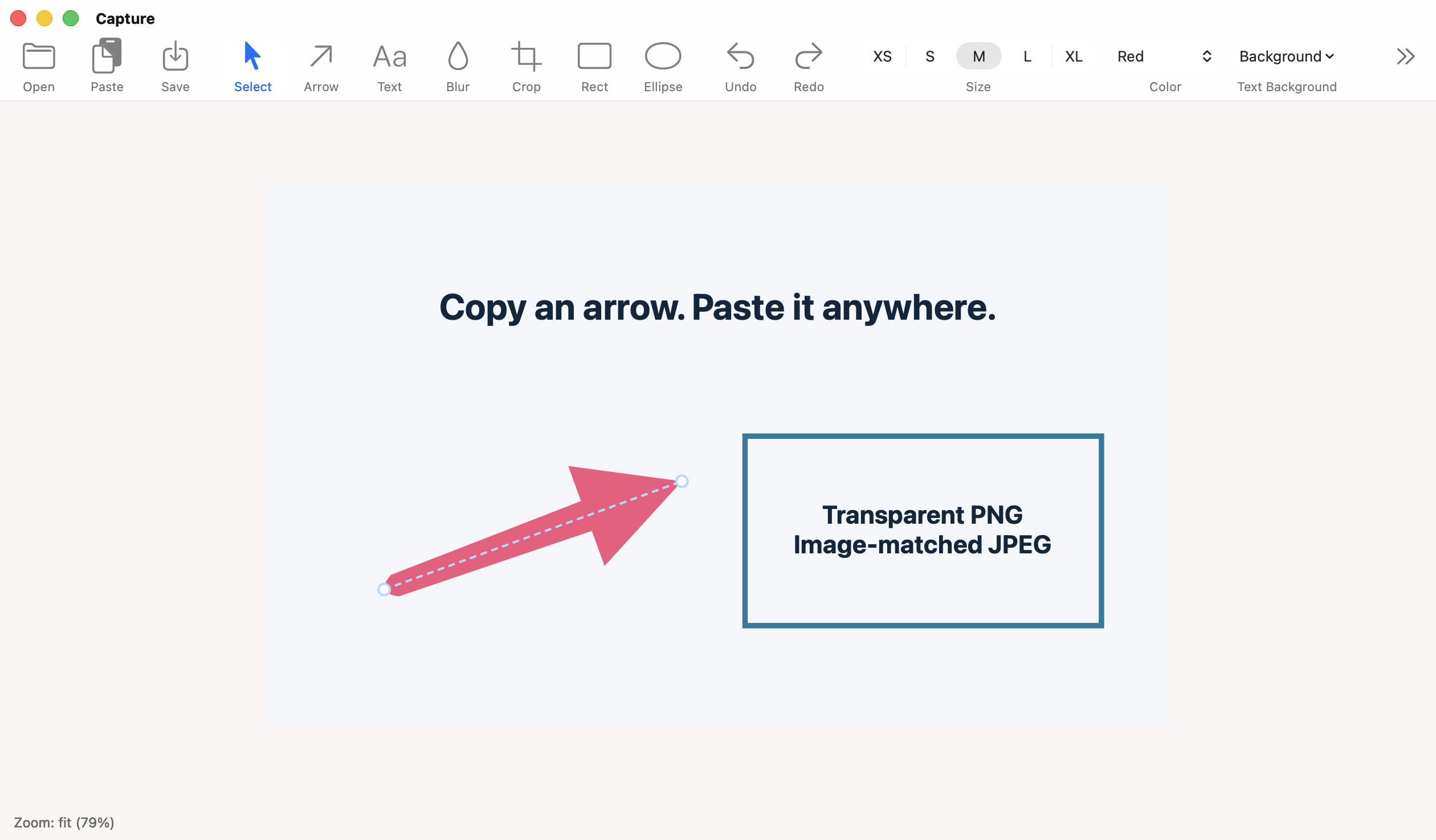
- Copy a selected annotation with Command-C. Arrows, shapes, and text boxes copy as transparent PNG images for pasting into apps such as Keynote. Edit → Copy Annotation does the same. Pasted objects are images, not native editable shapes.
- Keep full-image and text copying. Shift-Command-C and Copy Image copy the full canvas. Command-C still copies selected text while editing.
- PNG is the default. Copy Image, Export, and Save As preserve transparency, including empty areas beyond the original image.
- JPEG backgrounds match the image. When saving as JPEG, transparent areas use the average visible image color instead of black. Save retains an existing file’s format.
Text and window sizing
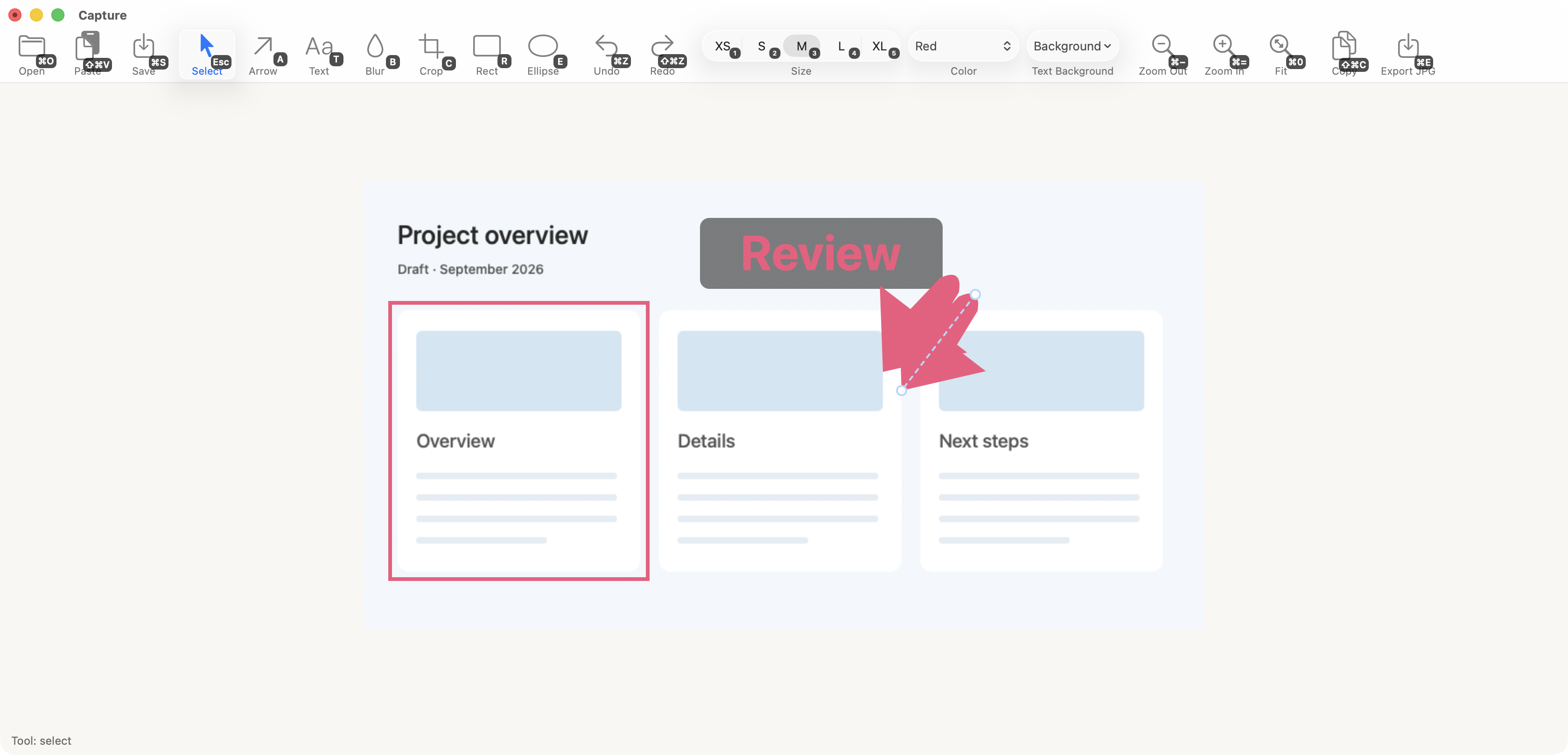
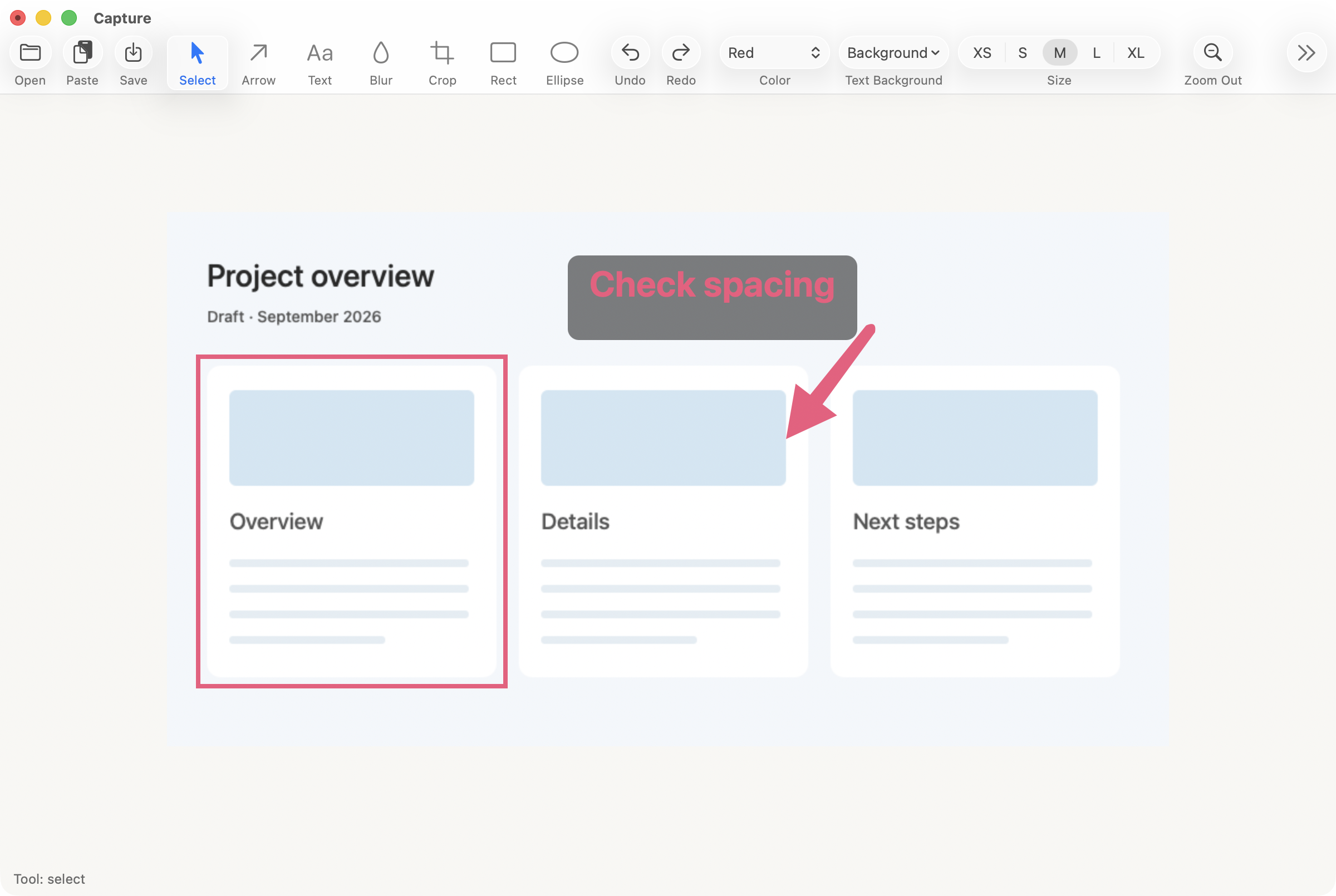
- Centered text. Text is centered horizontally and vertically while editing and in the final image.
- Wider starting boxes. New text boxes extend toward the canvas’s right edge. Their height grows as text wraps, and you can resize them manually.
- Edit outside the original image. Double-click a moved text box to edit it in place without snapping back inside the image.
- More room on launch. New windows use 70% of the screen’s usable width and height, subject to the minimum window size.