Arrows
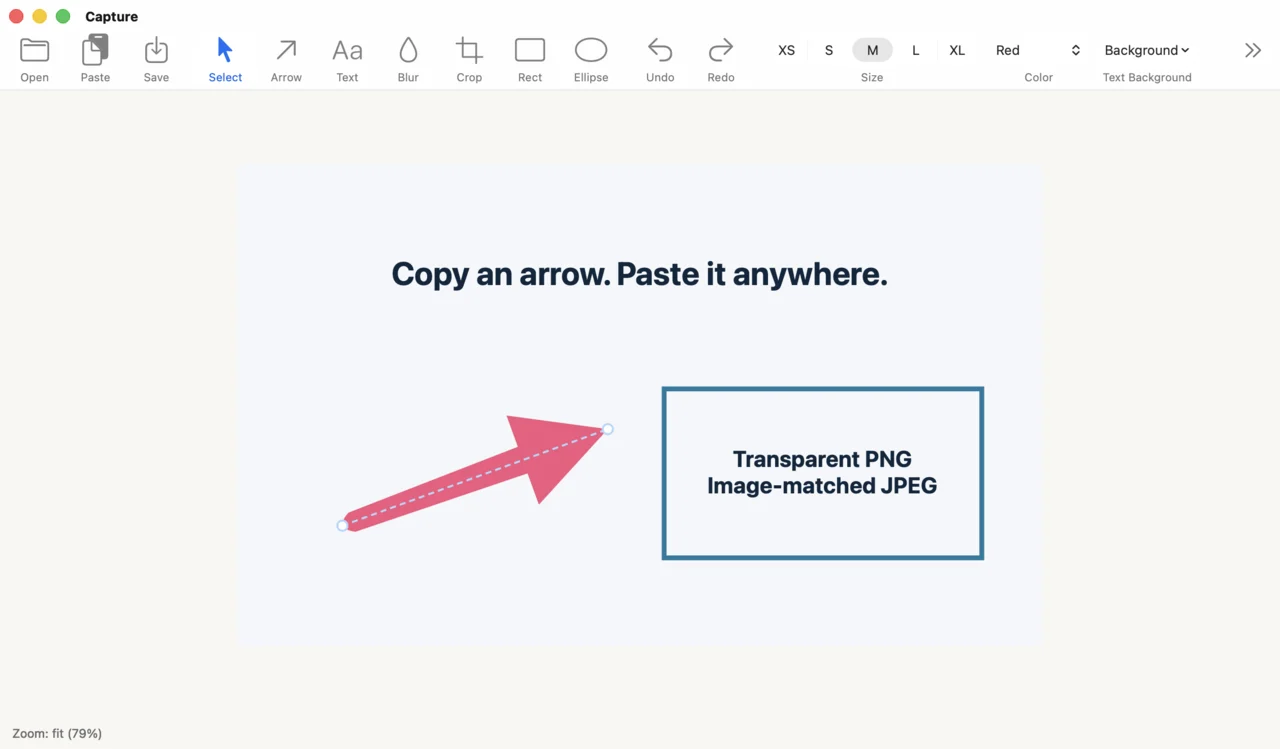
Point directly at what matters with a bold, readable arrow style.

Native macOS annotation
Capture keeps image annotation focused: arrows, text, blur, crop, shapes, clipboard sharing, and PNG or JPEG export in one light native app.
Focused tools
Capture avoids a heavy editor model. Each tool is built for the small edits people make before sending a screenshot.
Point directly at what matters with a bold, readable arrow style.
Use native text editing behavior for notes, labels, and callouts.
Hide sensitive details and trim images without switching apps.
Copy a selected arrow, shape, or text box into another app. Copy the full image or export a transparent PNG when ready.
Workflow
The app keeps editing state visible and immediate, so the image on screen is the image you are about to share.
Bring in a screenshot or image and start marking it immediately.
Draw arrows, text, blur, crop, and shapes in a WYSIWYG canvas.
Send the finished image to the clipboard or save it as PNG.
A minimal macOS native annotation app.