Era of Personal Apps - Using FFmpeg and AI to Edit Videos
This is part of a broader exploration of how AI is changing automation. In The Productivity Paradox, I wrote about the four stages of AI adoption—from manual work to AI as infrastructure. This FFmpeg story shows Stage 4b in action: using AI to build standalone tools that do the job instantly, no AI needed at runtime.
The FFmpeg love affair
For many years I've been a big fan of FFmpeg. It is, without exaggeration, one of the most powerful pieces of open-source software ever written. I've relied on it for compressing, processing, and cropping videos more times than I can count. A typical day might involve trimming a screen recording, re-encoding a clip for the web, or stitching together a handful of segments — all from the terminal.
But cropping has always been the thorn. The crop filter in FFmpeg expects you to supply exact pixel coordinates and dimensions:
# crop=out_w:out_h:x:y
ffmpeg -i input.mp4 -vf "crop=640:480:120:80" output.mp4
That means you first have to figure out where the region of interest sits inside the frame, then do a bit of mental (or actual) linear algebra to nail down the right x, y, out_w, and out_h values. Get one number wrong and you're cropping thin air. It's the kind of task that sends you back to the documentation every single time.
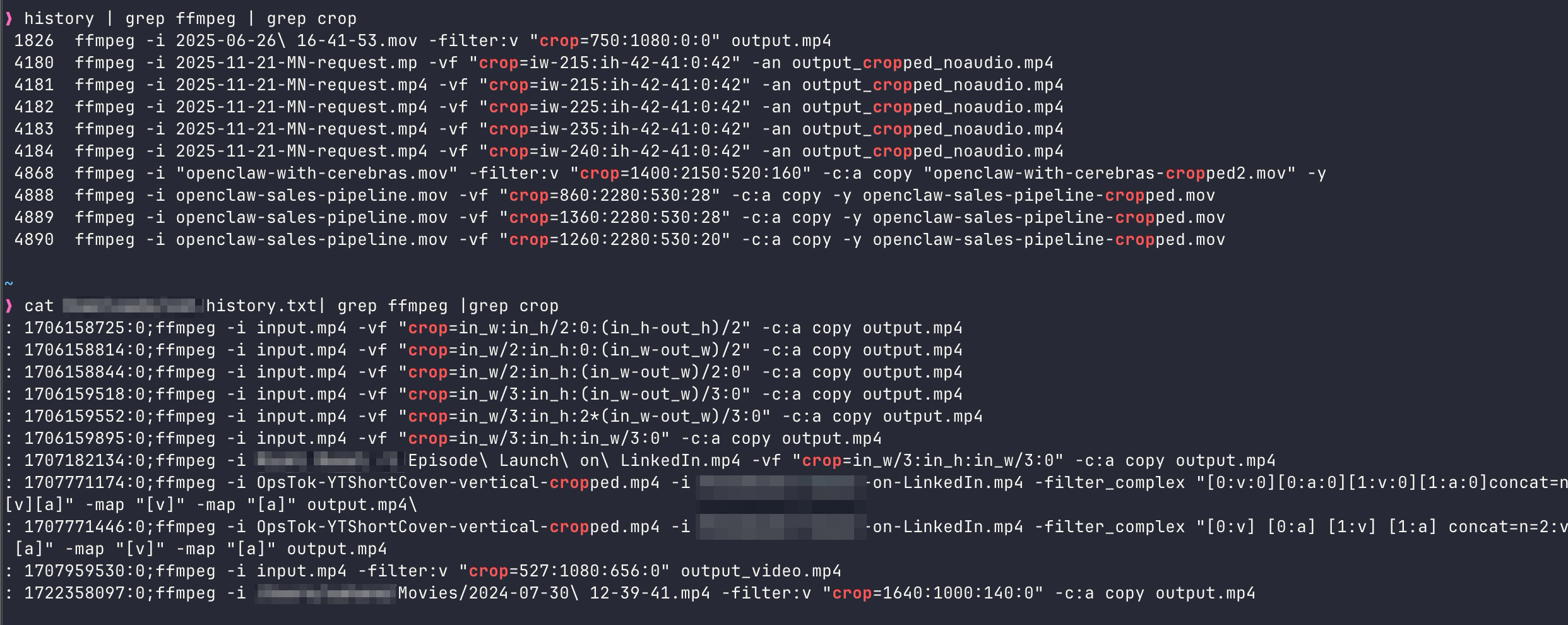
My work with FFmpeg, specifically cropping, across at least 2 laptops, about 2 years.
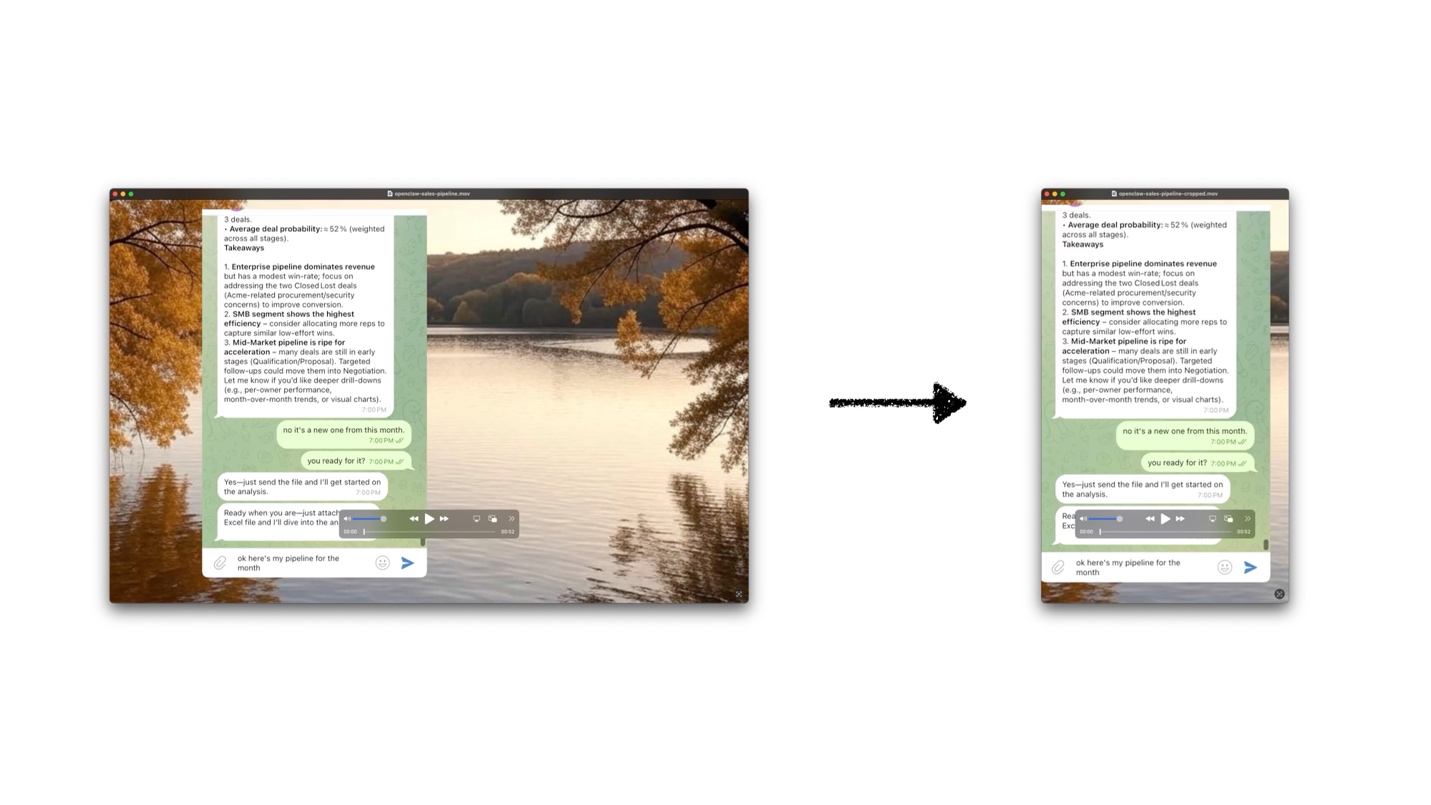
Before we jump in, here's the problem. On the left you see my original screen recording and on the right is the desired cropped video.
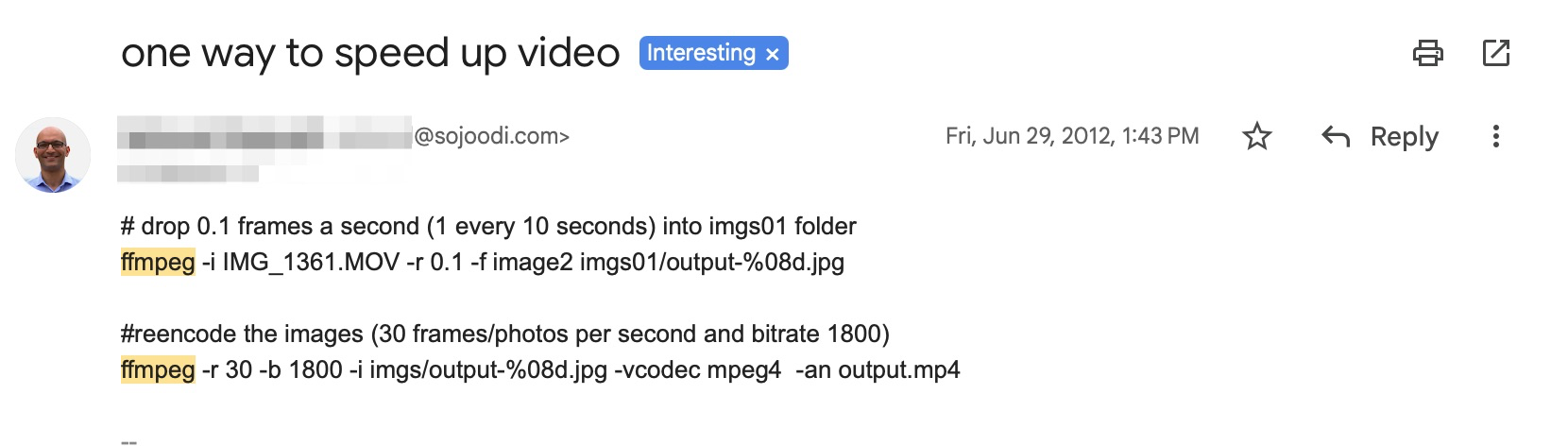
The pre-AI era, read the manual
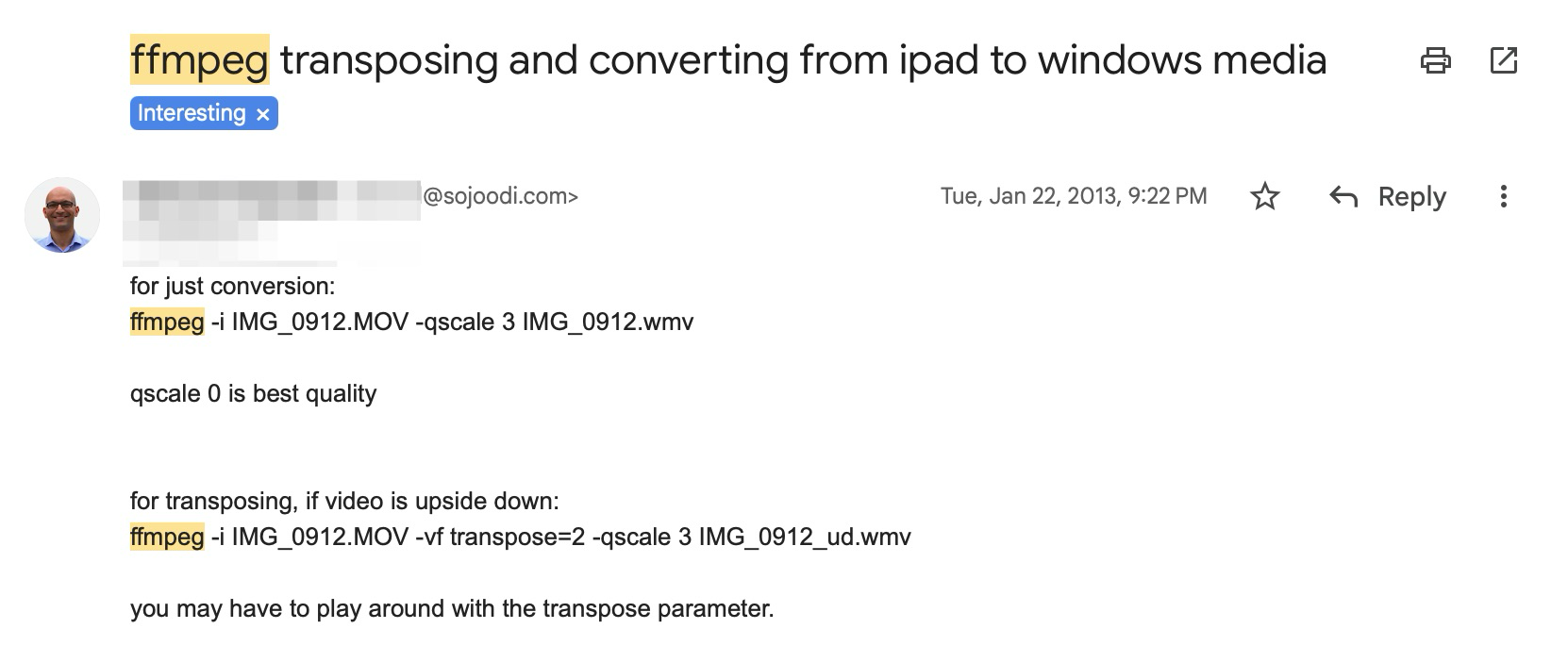
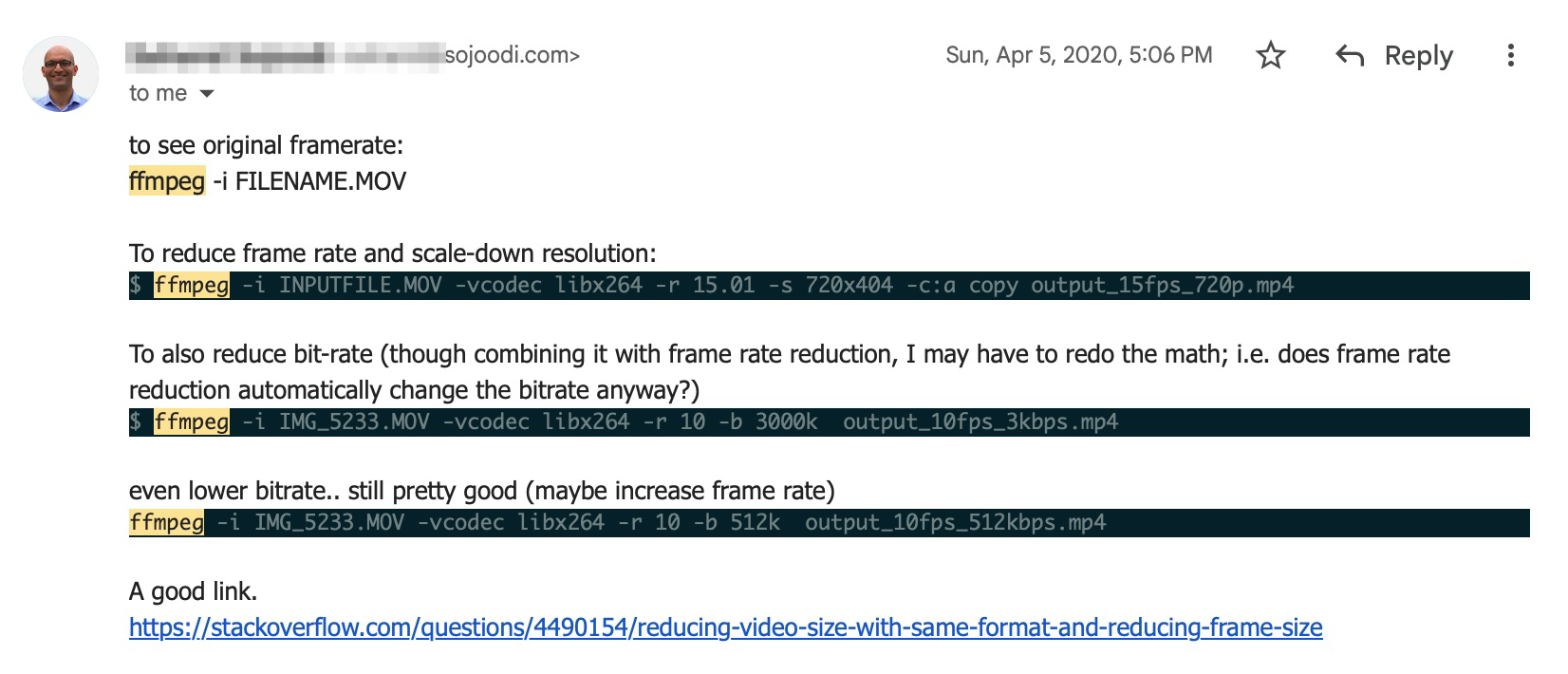
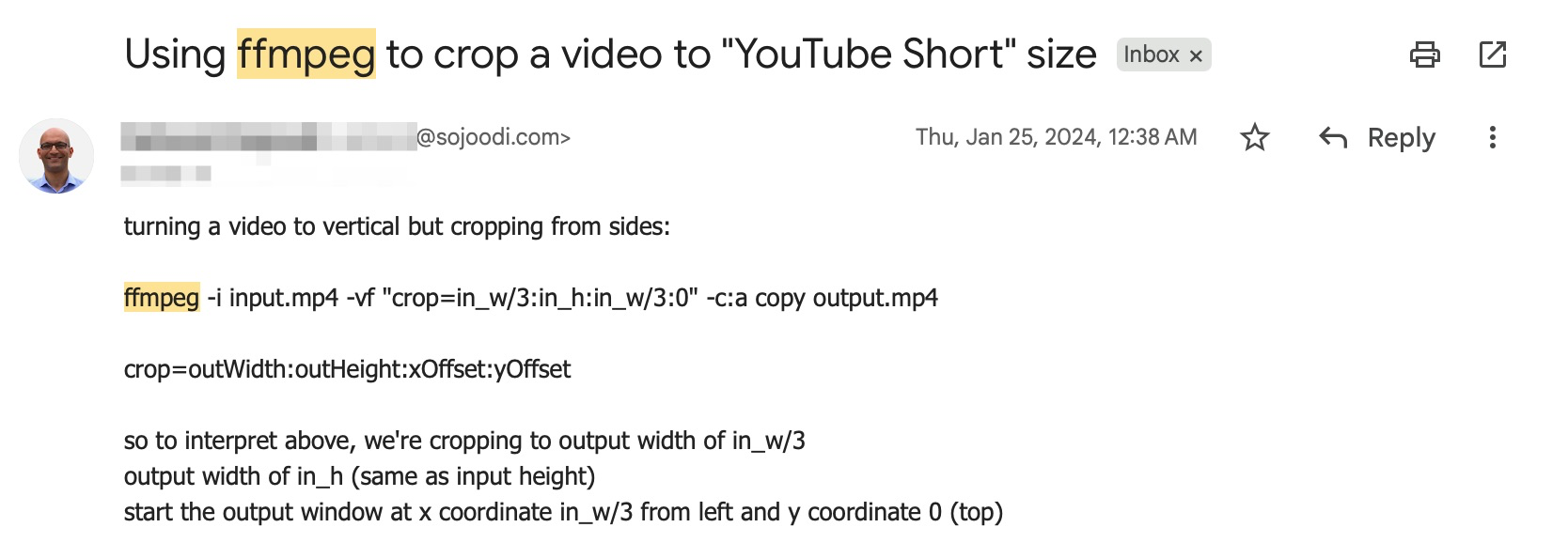
There was a time when I read the manual and scoured the internet and Stack Overflow searching for FFmpeg tricks. I saved the interesting ones in my email!
Enter ChatGPT (November 2022)
When ChatGPT launched it quickly became my go-to for looking up syntax, including how I looked up and created new FFmpeg commands. Instead of scouring man pages, I could just describe what I wanted and get a plausible command back in seconds. It was a genuine quality-of-life improvement.
The catch? ChatGPT wasn't multimodal yet. I couldn't show it a frame from my video and say "crop this part." I still had to measure coordinates myself, open the frame in an image viewer, eyeball the pixel offsets, and feed those numbers into the conversation. The model could assemble the command, but the spatial reasoning was still on me.
This was good enough, partly because I wasn't producing many videos
during that stretch. The workflow was tolerable: screenshot a frame,
estimate coordinates, ask ChatGPT to wrap them in a correct
-vf crop filter, run it, and hope for the best.
Back to video in 2026
Fast-forward to 2026. I've come back to making how-to and demo videos, and cropping is once again a daily chore. Screen recordings of specific app windows, chat panels, terminal sessions — all need to be isolated from a larger capture. The old measure-and-pray workflow felt dated.
So earlier this week I decided to try something different: vibe-editing entirely inside Claude Code. My prompt was roughly:
# my prompt to Claude Code

"the video.mp4 file needs to be cropped using ffmpeg —
use a frame to figure out where the chat window is for cropping"
To my delight, Claude Code actually pulled it off. It extracted a frame, analyzed the layout, identified the chat window region, and produced a working FFmpeg command — all after a bit of thinking and a couple of follow-up adjustments from me. No manual coordinate math at all.

The "what if" moment
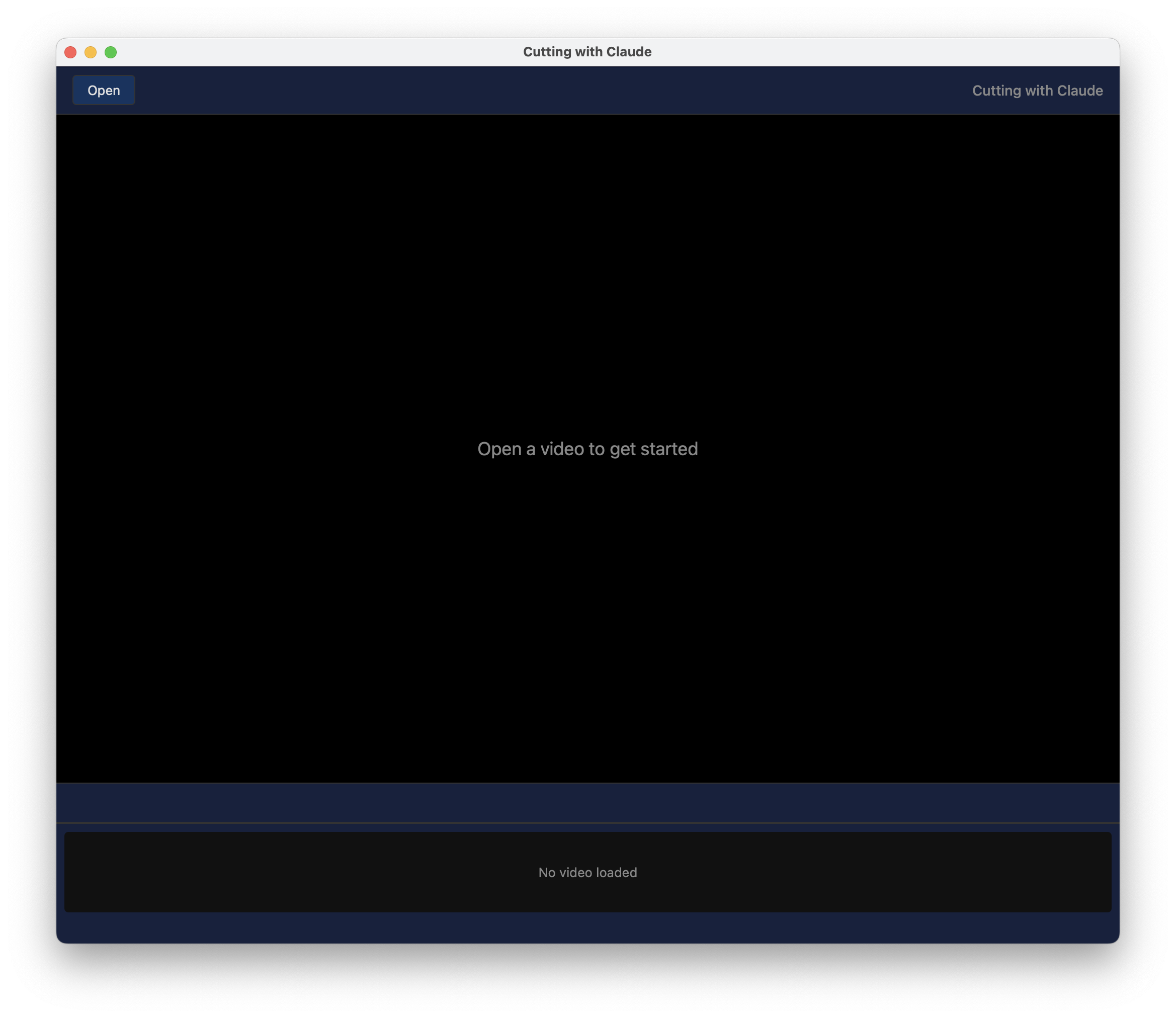
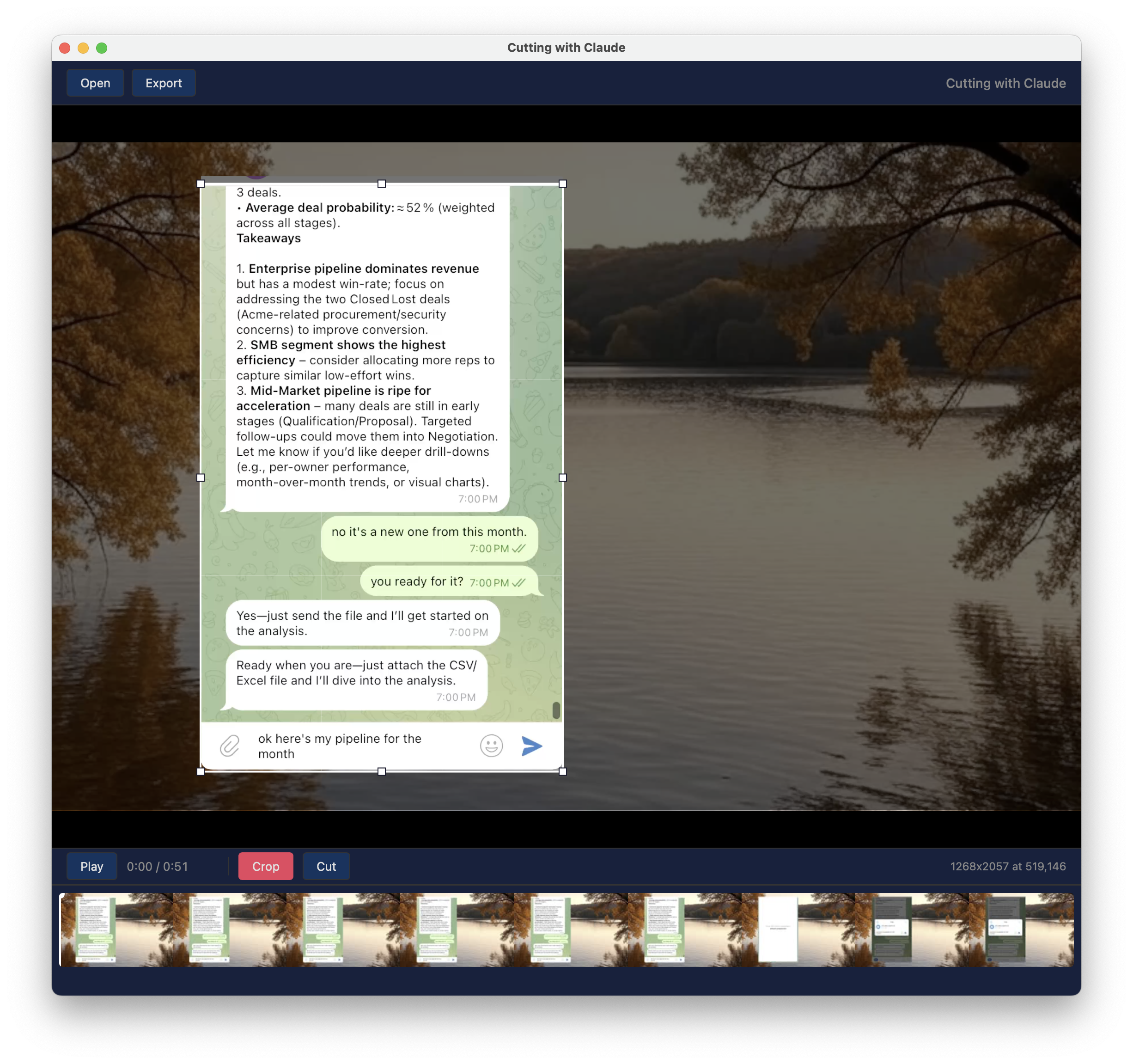
That experience planted a seed. If an AI agent can figure out coordinates from a frame, why am I still round-tripping through a chat interface at all? What if I had a simple Mac app where I could open a video, draw a rectangle over the region I want, and have it spit out the cropped file?
So that's exactly what I built 2 days later for another video!

After some back and forth about the plan, I was convinced to use Rust/Tauri which I hadn't ever used before to make this Mac app. I described what I wanted, and Claude Code scaffolded the project, wrote the Rust backend and the web frontend, wired up the FFmpeg call, and handled all the platform quirks for "my"[1] macOS.
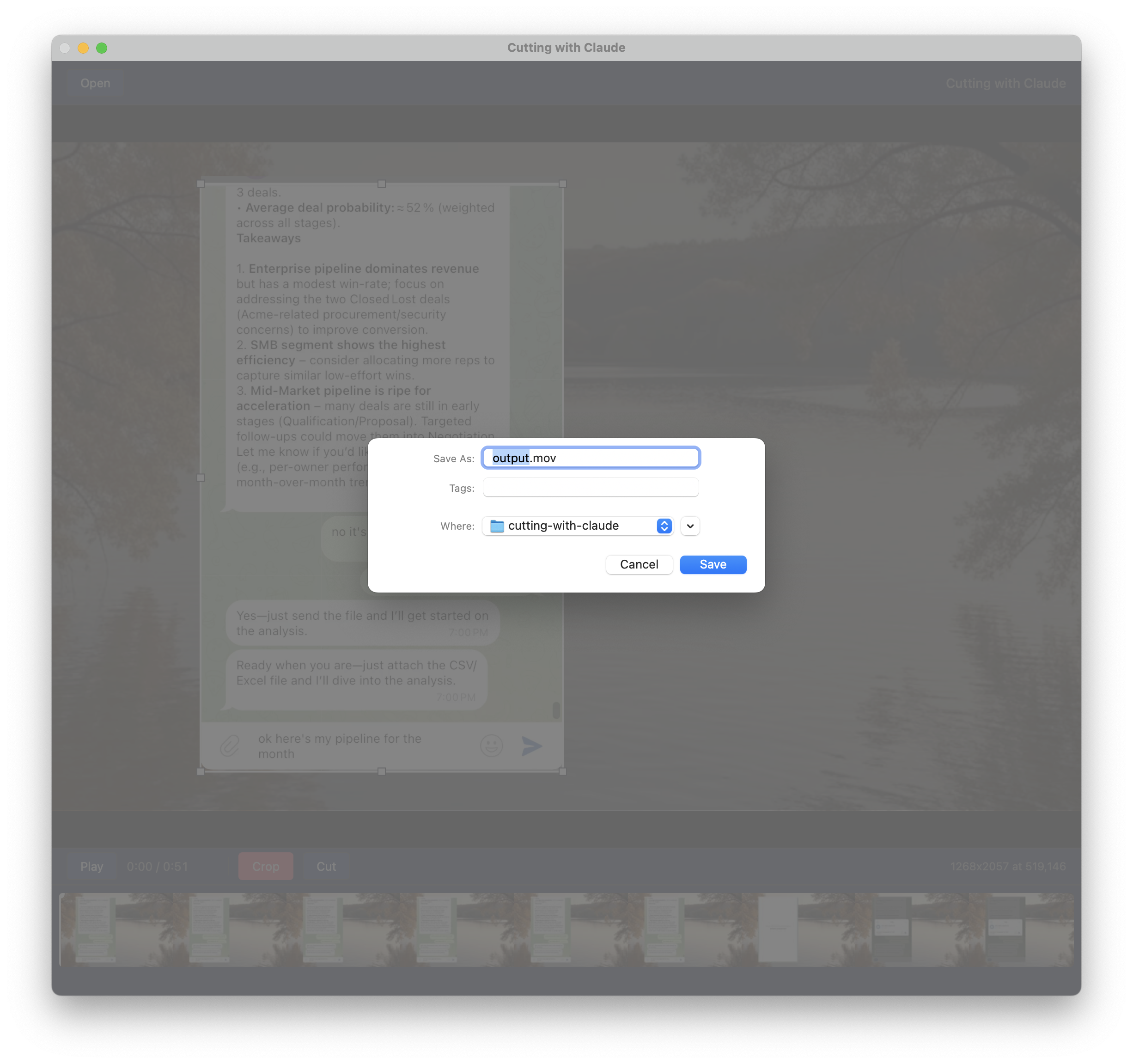
The result is a fast native app that does exactly one thing well: you open a video, drag a rectangle over the area you care about, hit crop, and FFmpeg does the rest under the hood. No coordinate math, no syntax lookups, no guessing.
Reflections
Looking back, the progression is almost comical:
# 2018–2022  manual coordinates + docs
ffmpeg -i in.mp4 -vf "crop=??:??:??:??" out.mp4   # pray

# 2022–2025  ChatGPT writes the command, I supply coords
"Hey ChatGPT, crop=640:480:120:80 — is this right?"

# Feb 4, 2026 Claude Code figures out coords from a frame
"Crop the chat window from video.mp4"

# Feb 6, 2026 custom Mac app, no AI needed at runtime
*draws rectangle* → done
Each step shaved off a layer of friction. The final step — building the app — removed the AI from the runtime loop entirely. The AI was the builder, not the operator. That feels like the right end state for a lot of developer tooling: use AI to create the tool, then let the tool stand on its own.
If you're still hand-crafting FFmpeg crop commands, I'd encourage you to try the same experiment. You might be surprised how far a single prompt can take you — and how quickly you can go from "this is annoying" to "I built an app for that."
Happy cropping!
Footnotes:
[1]: my macOS because Claude looked up where ffmpeg, etc are on my machine and hardcoded them! Hence not quite ready for release or production, but gets the job done for me!