Markdown Preview for macOS

Release notes

Features and updates for each release.

v.20260928


Version 2026.9.28
Build 1 · macOS 13+

Link to this release

Open documents in front

Updates to document opening, Quick Look setup, and the download website.

  • Opening a Markdown file brings its window to the front, including when the window is minimized.
  • Fix a crash when a document window comes to the front.
  • Show the Markdown Preview icon for the Quick Look extension in System Settings.
  • Find the app download, previews, and release notes together on the website.
v.20260915

Version 2026.9.15
Build 1 · macOS 13+

Link to this release

Markdown previews, editing, and Quick Look setup

Read Markdown in Finder, edit documents in the app, and convert rich text to Markdown.

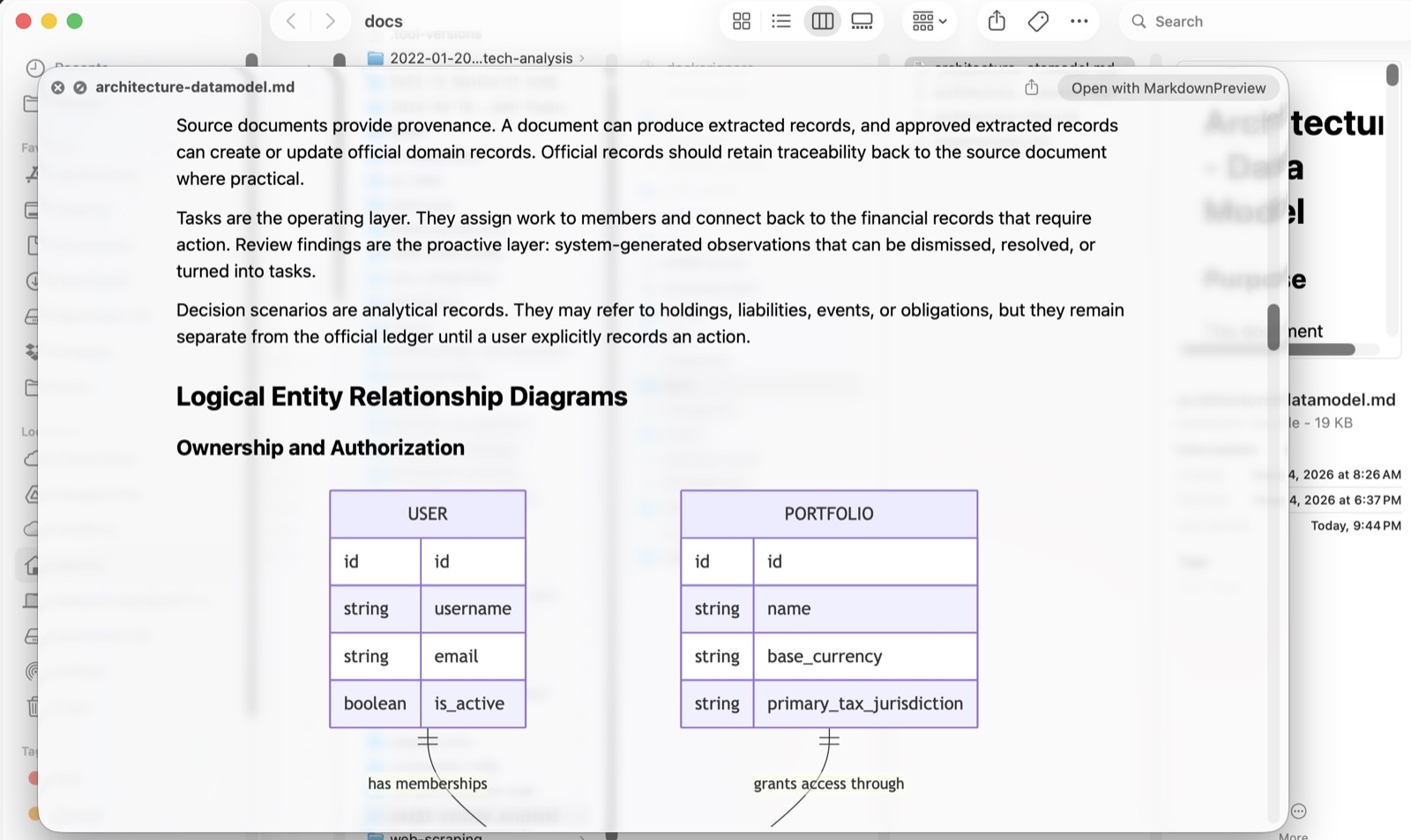
Finder Quick Look displaying a Markdown document with headings and a Mermaid entity relationship diagram.
Markdown and Mermaid diagrams in Finder. View full size.

Preview Markdown

  • View Markdown files in Finder with the Space bar, or open them in the app.
  • Read headings, nested lists, tables, links, blockquotes, and code blocks with formatted text.
  • View Mermaid diagrams and local images alongside your documents.

Create and edit

  • Create a new Markdown file or edit an existing document.
  • Convert pasted rich text to Markdown, including headings, bold and italic text, lists, tables, links, and code.
  • Choose Save, Discard, or Cancel when closing a document with unsaved edits.

Setup and installation

  • Follow the setup screen to enable Quick Look and save a sample document for testing.
  • Reopen setup from the advanced controls. Setup completion is remembered for each release.
  • Install from a signed and notarized DMG.

Markdown Preview for macOS

Preview, create, and edit Markdown files.

Download DMG